The processor, also known as the CPU (Central Processing Unit), is the brain of the computer. It performs all the calculations and instructions required to run programs and processes on the computer. When identifying the processor on a worksheet, look for the brand (e.g., Intel or AMD), model number, and clock speed. This information will help you understand the capabilities and performance of the processor.
RAM (Random Access Memory) is the memory where the computer stores data and instructions that are currently being used. When identifying RAM on a worksheet, note the capacity (e.g., 8GB, 16GB) and type (e.g., DDR4). The amount of RAM in a computer affects its multitasking abilities and overall performance. Make sure to check if there are multiple RAM sticks installed and add up the total capacity.
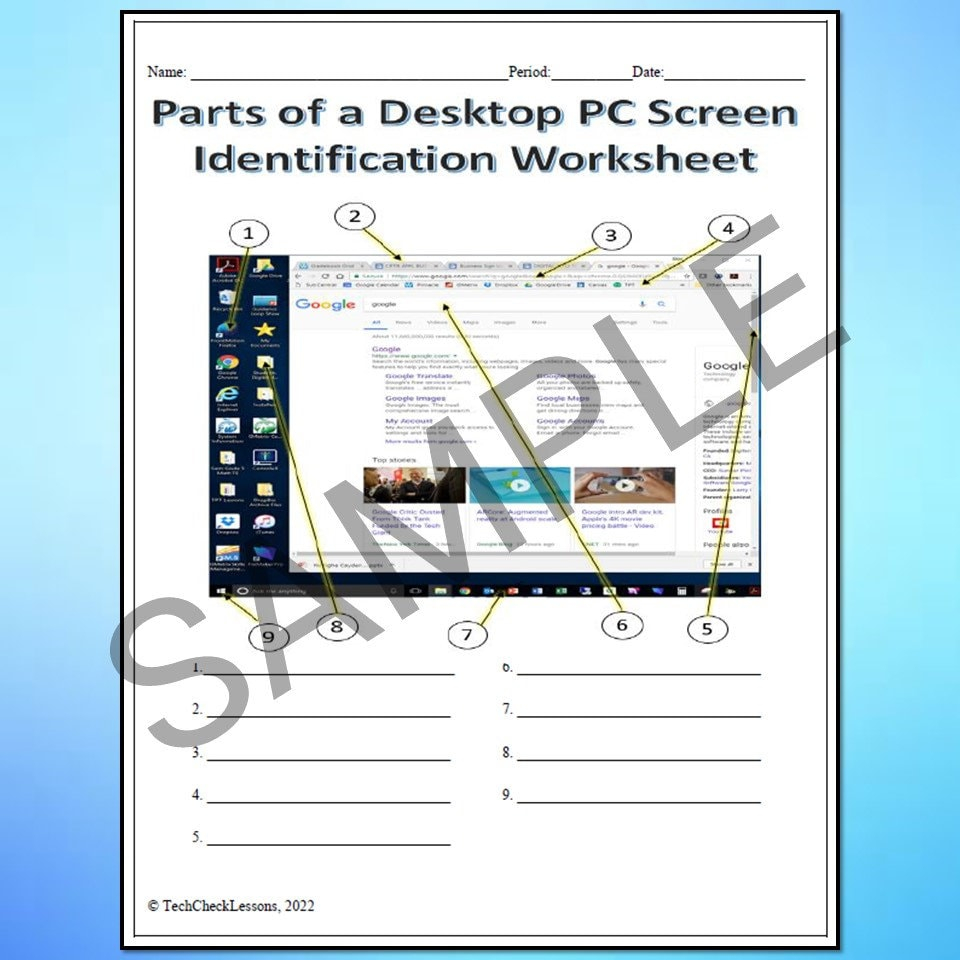
Internal Computer Parts Identification Worksheet
Hard Drive
The hard drive is the storage device where the computer stores all its data, including the operating system, programs, and files. When identifying the hard drive on a worksheet, look for the type (e.g., HDD or SSD), capacity (e.g., 500GB, 1TB), and interface (e.g., SATA, NVMe). The type of hard drive can impact the speed and reliability of data storage on the computer.
Motherboard
The motherboard is the main circuit board that connects all the internal components of the computer, such as the processor, RAM, and hard drive. When identifying the motherboard on a worksheet, note the brand (e.g., ASUS, MSI), model number, and form factor (e.g., ATX, microATX). The motherboard determines the compatibility and expandability of the computer system.